External Blu-ray Drive Usb3.0 Cd/dvd Reader Writer Optical Drive Bd Dvd Player
USD $56.99
Condition : New
Free Shipping
{{variant_type_name}} :

Notify me when the price drops
We will email you if we find a lower price on this product!
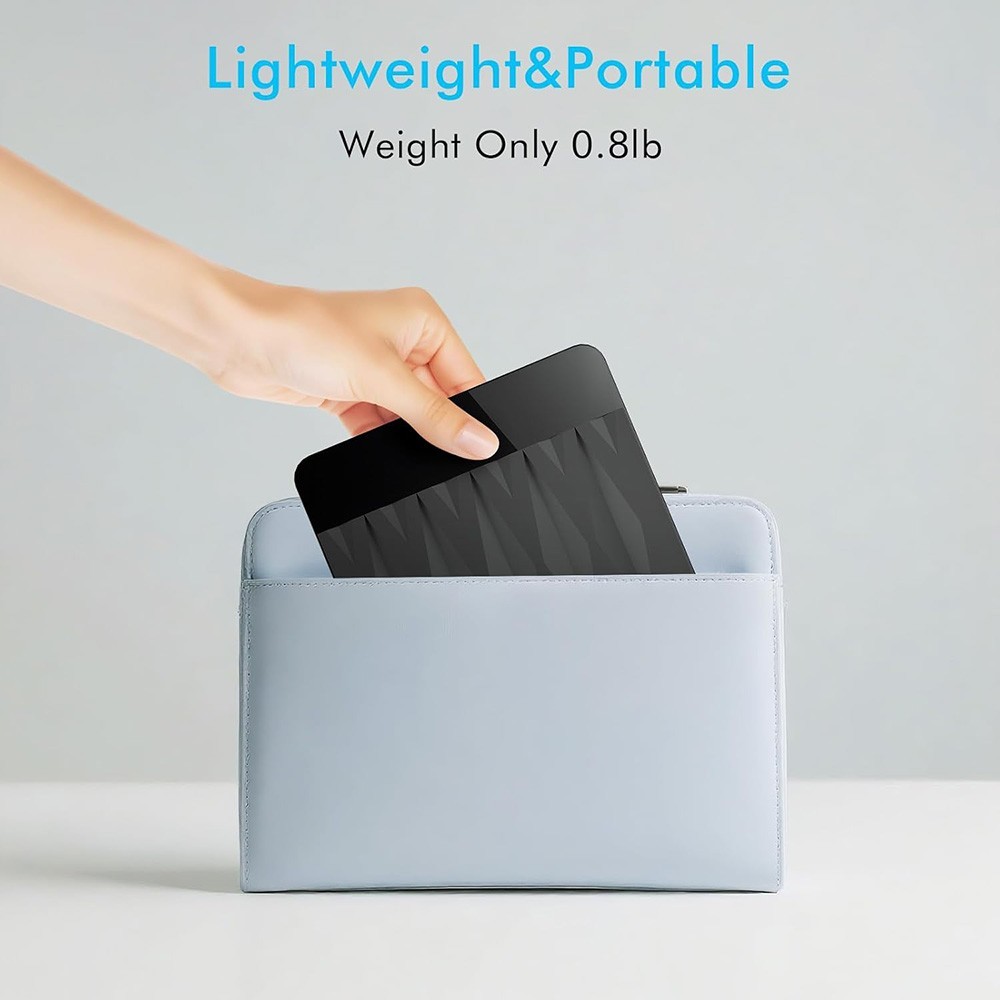
【Unmatched External Blu ray Drive Performance】Experience seamless multimedia playback with the external blu-ray drives Enjoy 6X reading speeds for Blu rays, 8X for DVDs, and 24X for CDs. Its durable design ensures low noise and energy efficiency, making it perfect for all your media needs【Lightning-Fast USB 3.0 Speed】Featuring a premium USB 3.0 interface, this usb bluray drive external offers speeds up to 5Gbps—six times faster than USB 2.0! Effortlessly burn and read 8.5G, 4.7G, and 700M CDs/DVDs without any hassle. (Not compatible with TVs,tablets,phone,car,projectors and PS4/5.)【Simple Plug and Play】Easily powered through USB 3.0, this blu ray player for pc requires no additional drivers or downloads. Enjoy your favorite dvd movies, music, and games right away.【 Portable & Lightweight Design】With both USB and Type-C cables included, this external blueray/dvd drive for pc ensures universal compatibility. Its sleek and lightweight design makes it easy to carry, fitting perfectly in your bag for travel or business trips【Customer-Centric Support】The external blu ray drive is ideal for use with bluray player , BD burner for laptop and DVD burner external, making it a versatile addition to your setup.If you face any issues, contact us via the order details page for prompt assistance. Your feedback helps us enhance our products and services continuously【WARM TIPS】 This Blu-ray burner does not include playback software. Before reading Blu-ray discs, you need to download professional playback software yourself. We recommend “PowerDVD, Leawo, Macgo, or VLC.” For burning software, we recommend “Nero.”
Note: (1) Check whether your computer is compatible with the blu ray burner to play by downloading the software 'Cyberlink BD & 3D Advisor’.
(2) When playing a Blu ray discs, please make sure you have the appropriate Bluray playback software installed.It is recommended to use the professional BD player 'PowerDVD10-19' (For Mac OS, Macgo Blu-ray Player is recommended).
(3) When burning BDs, It's recommended to use the burning software “ Nero’(it needs an extra purchase).
(4) Playing a disc with a different region code to that of the drive may cause an error. Please kindly note that the region code can only be changed 5 times.(Including the initial setting)
Note: (1) Check whether your computer is compatible with the blu ray burner to play by downloading the software 'Cyberlink BD & 3D Advisor’.
(2) When playing a Blu ray discs, please make sure you have the appropriate Bluray playback software installed.It is recommended to use the professional BD player 'PowerDVD10-19' (For Mac OS, Macgo Blu-ray Player is recommended).
(3) When burning BDs, It's recommended to use the burning software “ Nero’(it needs an extra purchase).
(4) Playing a disc with a different region code to that of the drive may cause an error. Please kindly note that the region code can only be changed 5 times.(Including the initial setting)
Price type
IN STOCK
OUT STOCK





 .
.
